

Printing and sharing school timetables without the paper chase
The schedule is built and published, and now the real work starts: getting the right timetable into the right hands. Print too early and every change means another run to the staff room; share by paper and the copy in a teacher's bag is wrong by week three. Distribution is where timetables quietly die.
Print sheets in the format schools already use
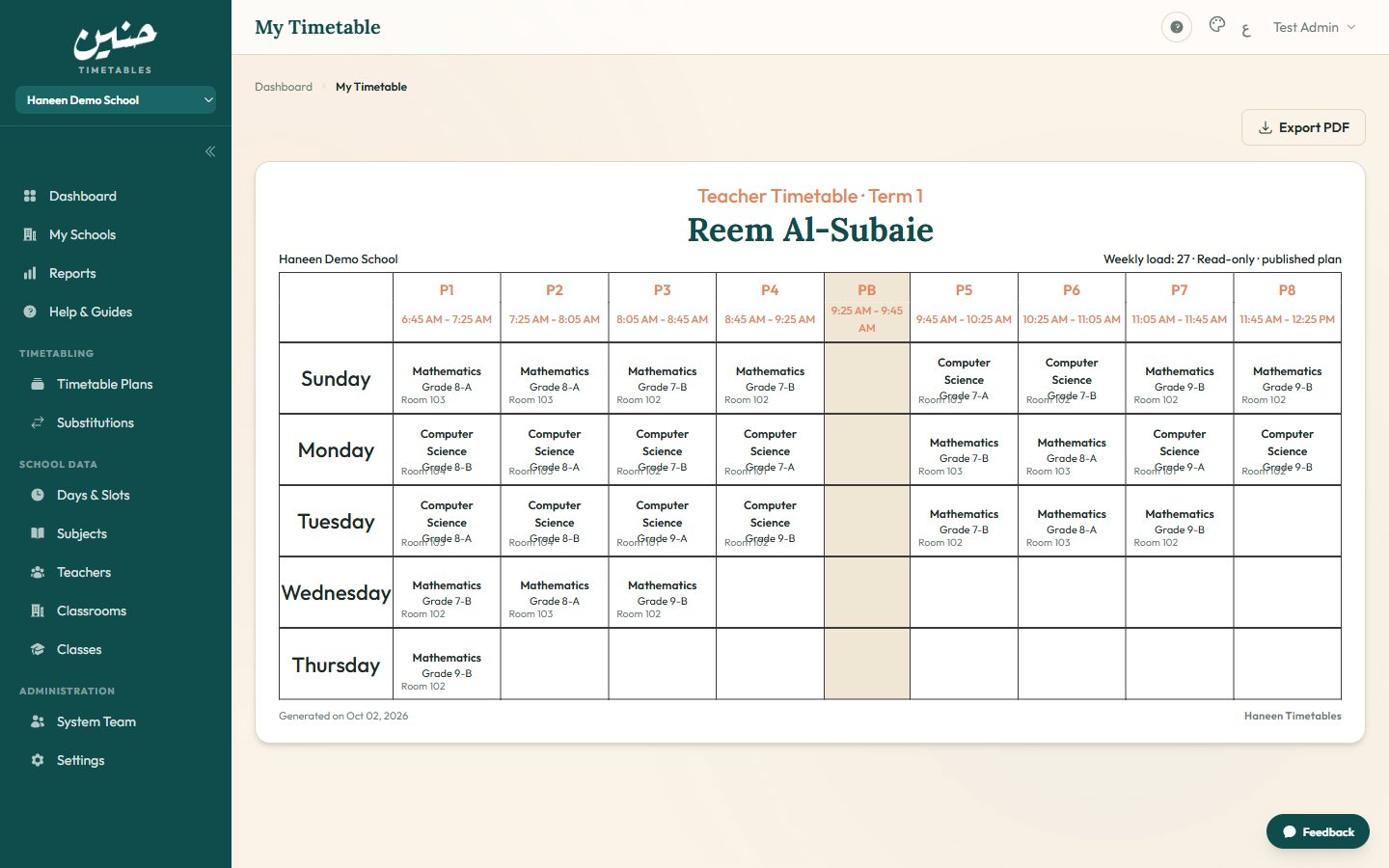
Class-wise and teacher-wise sheets print in the familiar aSc-style grid layout, one class or one teacher per page, sized for A4 and readable from the back row. Export to PDF from the browser when the photocopier is out of toner or the sheet needs to travel by WhatsApp instead of the internal mail.
Share by link, not by photocopy
Every teacher gets a personal timetable link that opens their schedule with no login and no app. The link shows only their own periods, cover assignments included. If a link leaks or a teacher leaves, rotate the token and the old URL dies instantly; no password resets, no forwarding chains, no "which version is this?"
Change day stops being a crisis
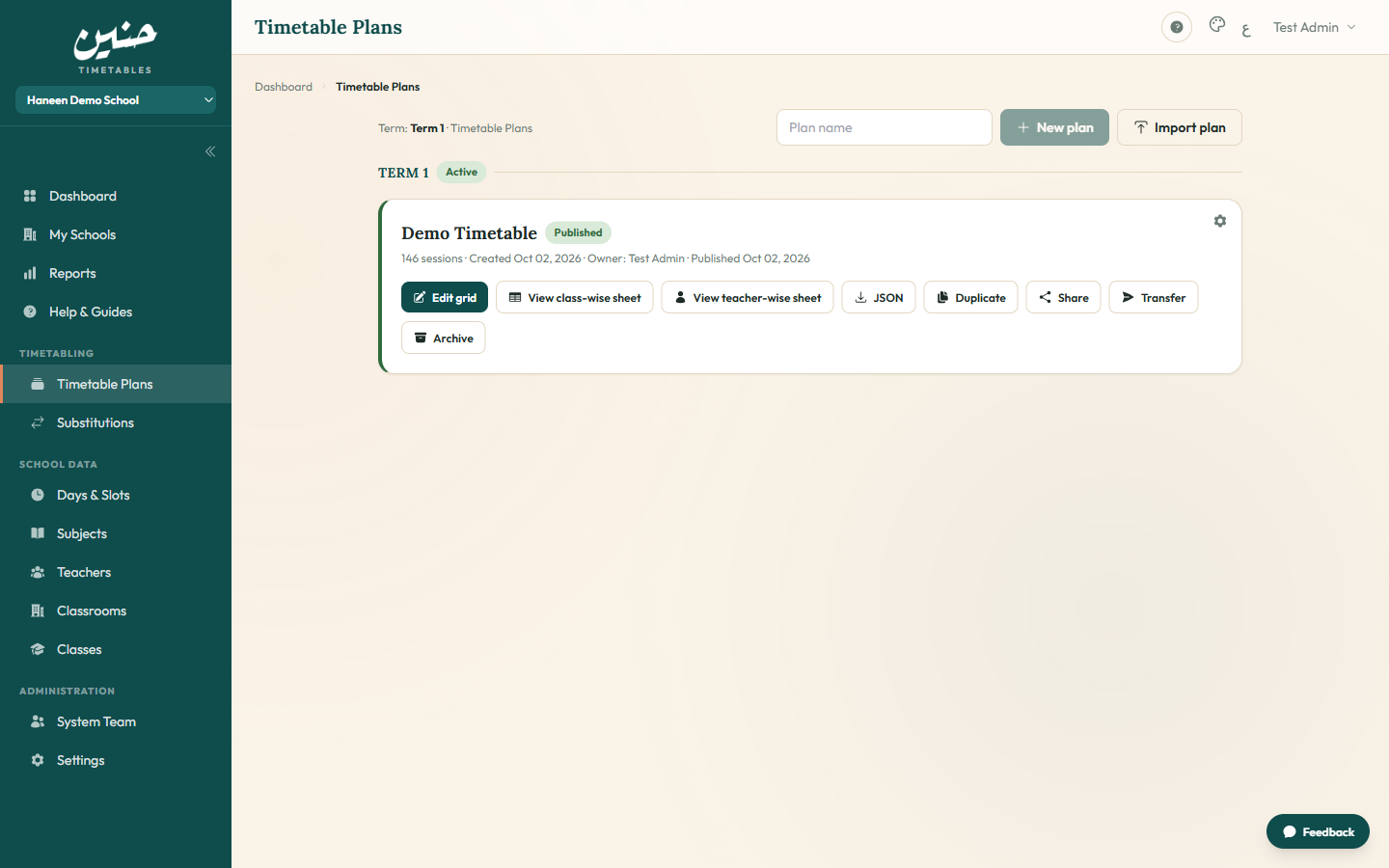
When the plan changes, a new section opens, a room swaps, exam week compresses the grid, you edit the draft and publish again. Teacher links reflect the new plan automatically; nobody reprints unless they want paper. The previous published plan archives itself, so there is always exactly one live version per term and no ambiguity about which sheet is current.
Substitution day gets its own sheet
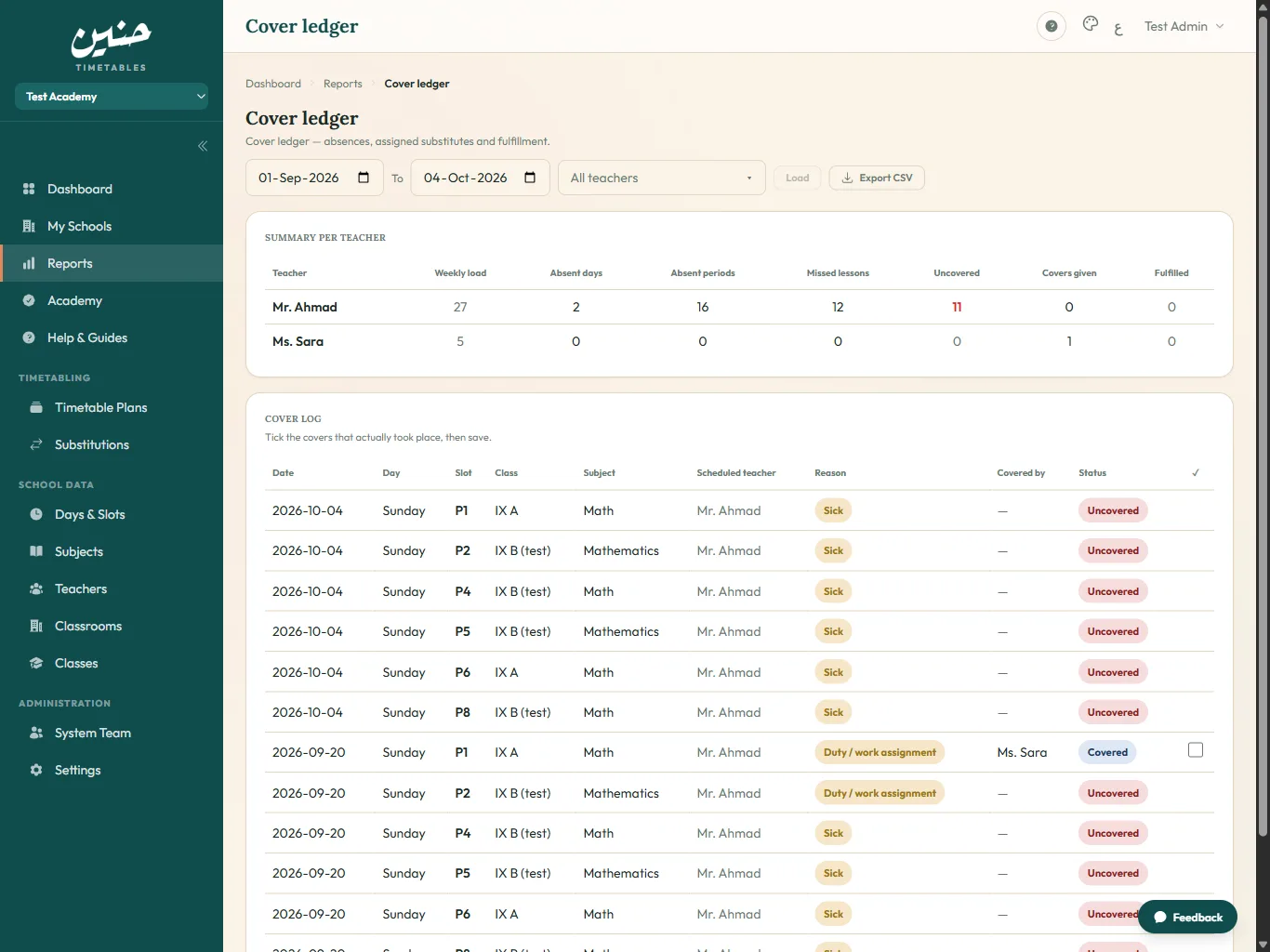
On the day a teacher calls in sick, the substitutions screen produces a printable daily sheet: who is absent, which lessons are orphaned, and who covers each. The supervisor runs the day from one page while the assignment emails do the notifying.
FAQ
Can I export timetables as PDF?
Yes. Class-wise and teacher-wise sheets export to PDF or print directly, in layouts that match the standard school timetable format.
How do teachers see their timetable without an account?
Each teacher has a personal link that opens their live schedule in the browser with no login. The school shares it however it already communicates: WhatsApp, email, or a QR code on the staff-room wall.
What happens to old printed copies when the plan changes?
They become history. Links always show the currently published plan, so digital copies never go stale; only paper needs replacing, and only if the school wants it.